Diseño web B2B
What Is the Difference Between UX and UI, and Why Are You Charged for Both?
Equipo Artisma
Agencia de Marketing B2B
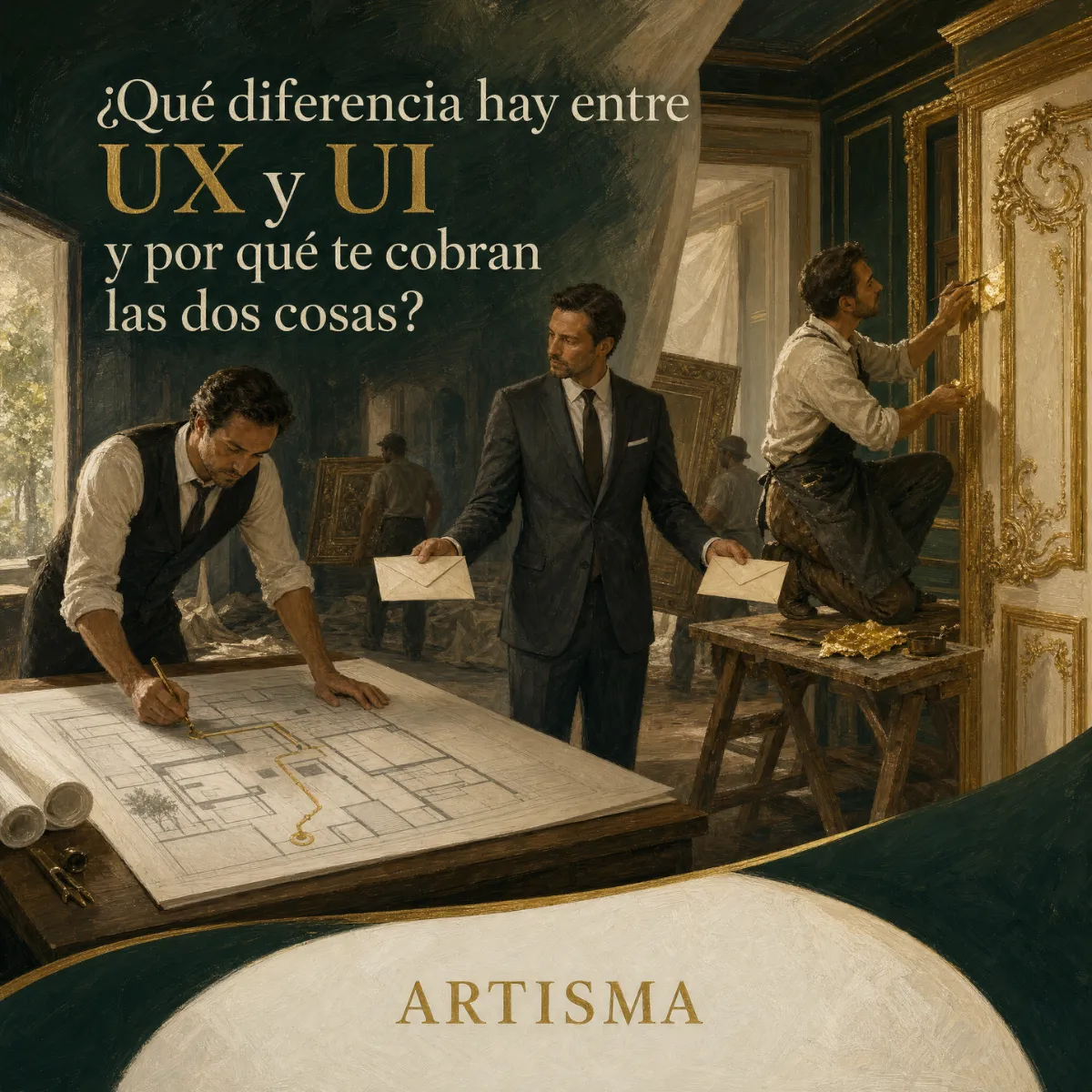
The proposal for the new website arrived with two line items the CEO did not understand: "UX design" and "UI design", each with its own price. To protect the budget, he asked to remove the first and keep the second, because what he wanted was a website that looked modern. A few weeks later he received flawless home page screens, and at the first review with the sales team the questions nobody had answered started coming up: where the technical data sheets would go, what information the quote form would ask for and who would receive each request.
Every answer shifted the menu, added sections and forced the redesign of screens that had already been approved. The included review rounds ran out before anyone got to the product pages, the extra rounds were billed one by one and the launch slipped two months. In the end, the savings from cutting UX design went into fixing, screen by screen, the decisions that work should have made at the start.
UX design defines what visitors do on your website and in what order; UI design defines how each screen looks and responds. They are billed separately because they involve different work, different deliverables and different project stages.
A quote that lumps UX and UI into a single line item hides which part of the work was cut
UX stands for "user experience" and UI for "user interface". Earlier in this series we explained what UX design is and what it solves on a B2B website. Here we focus on the boundary between the two and on why a serious proposal prices them separately.
A comparison with the plant floor makes this easier to see. UX design is the equivalent of the facility layout: where each station goes, how materials and people move, how many steps separate receiving from shipping. UI design is the equivalent of the control panels, the signage and the buttons on each machine. A plant with a good layout and confusing control panels produces errors. A plant with flawless control panels and a poorly planned layout makes people walk extra distance on every shift.
The boundary between the two disciplines: what each one decides
UX design decides which pages the website has, how they are grouped in the menu, what content comes first on each one, how many steps stand between the visitor and the quote and what information the form asks for. UI design decides the typography, the color palette, the spacing between blocks, the shape and size of the buttons and the way each element reacts when the visitor taps it. The two disciplines meet in the details: UX establishes that the quote button must appear on every product page, and UI works out how to make the eye find it without searching.
When a quote sums everything up as "design", there is no way to know which of the two parts comes complete. That ambiguity shows up later as extra review rounds or as a website that looks good and sells little.
Without UI design, your company loses credibility with the buying committee before the first call
B2B buyers judge a supplier before they ever talk to it, and part of that judgment happens in the first few seconds in front of the screen. A website with mixed typefaces, buttons in five different styles and photos of uneven quality suggests a company that pays little attention to detail, even if its operation is flawless. UI design relies on three mechanisms to prevent that.
Visual hierarchy: the order in which the eye scans the screen
Before reading, visitors scan. They look for what is largest, what has the most contrast and what has the most space around it, and based on that they decide whether the page is useful to them. Visual hierarchy uses size, font weight, color and white space so that this first pass matches the order defined by UX: first what you do and for whom, then proof that you do it well and finally the action. The principle of proximity, which comes from Gestalt psychology, completes the job: elements placed close together are perceived as a group, so the distance between a value and its label changes how easily a data sheet reads.
Design system: the same components across the entire website
A design system brings together the components that repeat across the website (buttons, product cards, tables, form fields) along with the color, typography and spacing rules that govern them. When your company adds a product line or a page for a new industry, that page is assembled from pieces that are already designed and stays consistent with the rest of the site. Without that system, every new page is designed from scratch, costs more and looks less and less like the ones before it.
States and interaction: how each element responds when people use it
A button has several versions: at rest, when the cursor hovers over it, when it is pressed, when it is disabled and while the system processes the request. A form field needs an error state with a message that explains what to fix and a success state that confirms the submission. A form that sits frozen after someone clicks "submit" leads to duplicate or abandoned requests, and your sales team never knows which of the two happened.
Why you are charged for both: two jobs, two deliverables and two moments in the project
Each discipline produces different documents, requires different skills and happens at a different stage. A well-built proposal breaks them out so you know what you are getting, when you review it and what happens if you request changes.
UX deliverables: sitemap, user flows and page wireframes
UX work is delivered as a sitemap with every page and its hierarchy, the flows for the main tasks (finding a product, downloading a data sheet, requesting a quote) and the wireframes, grayscale layouts that show what content goes on each page and in what order. At this stage you review the logic of the website, and your sales team should take part, because they know the real questions your customers ask.
UI deliverables: style guide, component library and final screens
UI work is delivered as a style guide (colors, typefaces, photography and icon style), a component library with its states and the final screens for the key pages, adapted to phone, tablet and desktop. Those screens usually become a clickable prototype that looks just like the finished website. At this stage you review the look, the readability and the consistency with your brand.
The order of the stages: UI designed before UX gets paid for twice
Moving a section in a wireframe takes minutes. Moving it once the final screen exists means redoing the composition, the images and the versions for each device, and if the change affects the menu, it repeats on every page. That is why UX comes first. A provider that shows full-color screens at the first meeting, without having defined the structure, is putting the most eye-catching part of the project up front and leaving for later the decisions that cause the most changes.
For your budget, that order determines how many review rounds you will need and how many will be billed as extras.
What your website loses when you cut one of the two to lower the budget
UI only: attractive screens on top of an unplanned journey
This is the most common case, because the visual part is what gets shown at the approval meeting. The result is a website that impresses on the first visit and confuses on the second, when the buyer returns to look up a particular specification. The symptoms reach sales: calls asking for information that is already published and forms that get opened often and submitted rarely.
UX only: a website that works and looks like every other supplier's
The opposite case is less common and also costly. A website with a sound structure and a generic interface lets people complete their tasks but conveys little about your company. Faced with three suppliers whose websites are equally well organized, the committee remembers the one that projected strength and care. That impression depends on UI work: the quality of the images of your plant, the clarity of the tables and the consistency of every detail with your brand.
In both cases, the initial savings are lost soon after in a partial redesign. When you look at the proposal, the useful question is what part of each discipline it includes and when you will review it.
How to read the UX and UI line items in the proposal on your desk
Before signing, ask for the proposal to answer these questions in writing:
Which UX deliverables it includes (sitemap, flows, wireframes, prototype) and on what date you review them.
How many pages are designed as final screens and which ones are built later from the same components.
Whether you receive a component library with its states or only images of individual screens.
How many review rounds each stage includes and how much an additional round costs.
If several go unanswered, one of the two disciplines will be left to the provider's discretion.
At Artisma we custom-design every website and work out the structure before the look. Before you pay, you review a prototype of your website, tested on phone, tablet and desktop, with the journey and the interface you will receive. Every package comes with its review rounds included, from one to three depending on the scope, and a fixed price you know from day one.
Frequently Asked Questions
Can the same person handle both UX design and UI design?
Yes. On corporate websites with only a few pages, it is common for one person or a small team to cover both disciplines. What matters is that both stages exist in the plan, with their deliverables and their reviews. When the project includes an extensive catalog, several languages or a connection to your CRM, each discipline should have someone dedicated to it.
If I already have brand guidelines, do I still need UI design?
Yes. Your brand guidelines define your logo, your colors and your typefaces. UI design decides how they are applied on a screen: the size of each text level, the contrast on each background, the shape of the buttons and the version of each element on a phone. Good brand guidelines speed up UI work and lower its cost, because it starts from decisions already made.
Can I hire UI design only and keep the structure of my current website?
You can if you have evidence that the structure works: visits that reach the product pages, forms that get completed and a sales team that receives few repeated questions. Without that evidence, refreshing only the look carries the same obstacles over to a new website.
If the proposal for your next website has a single "design" line item, or if you are about to cut one of the two to fit the budget, it is worth checking which part of the work would be left out. Request your fixed-price proposal at https://www.artismamkt.com and review the prototype of your website, with its structure and its interface, before you pay.